Zide is ready for your next project
- Product Updates
- Developer Workflows
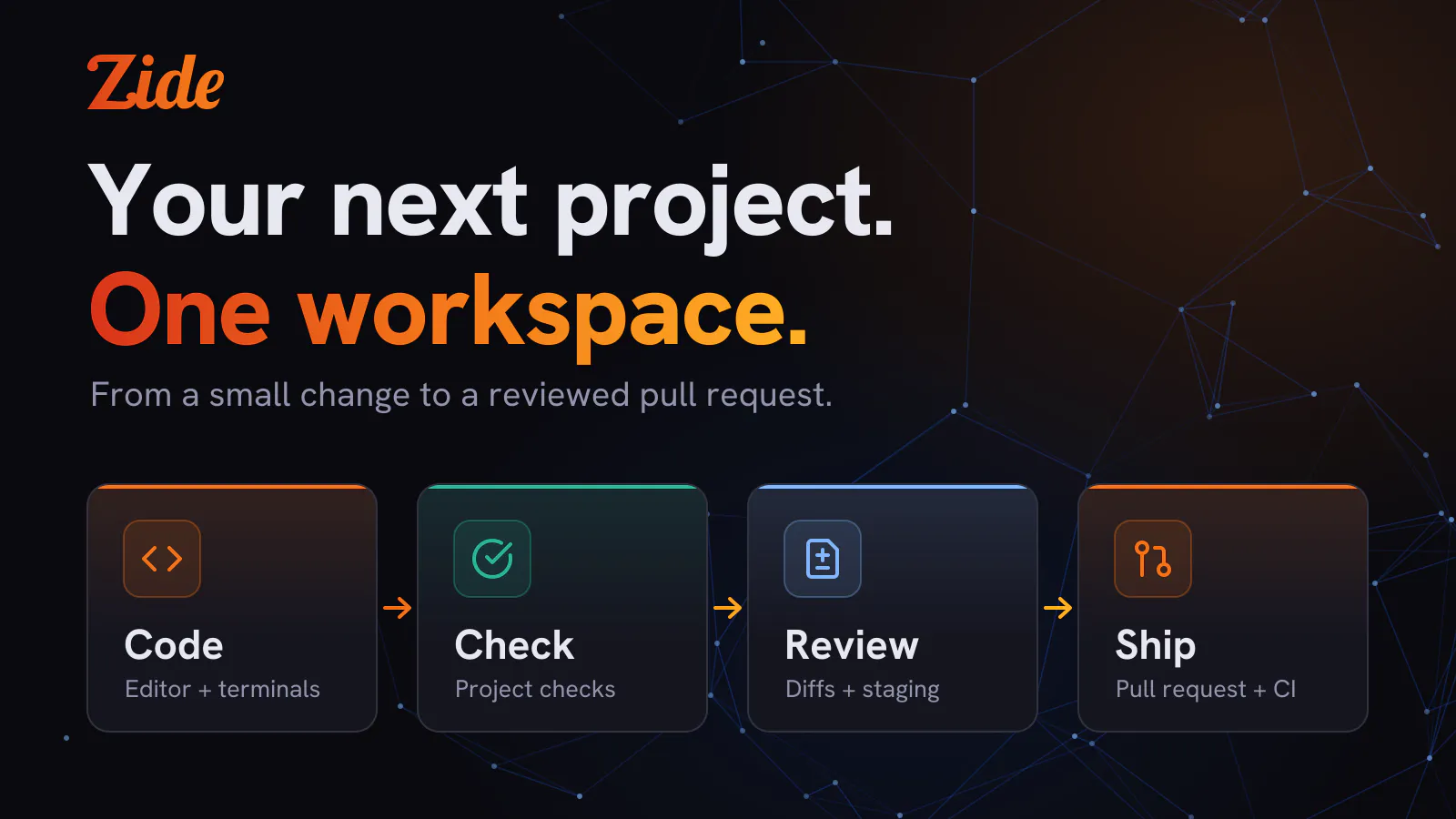
Zide brings your editor, Git tools, terminals, issues, pull requests, and AI assistance into one desktop app. This post follows one change through it, from opening the repository to a pull request with its CI checks.
Start with one change
Pick a small bug or improvement you already want to tackle. Open its repository in Zide, read the relevant files, and create a branch. Ask Zide Assist to investigate, or make the change yourself in the editor. Terminal coding agents run in Zide’s terminals as usual.
Run your project’s checks in a terminal, inspect the diff, and stage the changes you want to commit. For a project on GitHub, you can then open the pull request and follow its CI checks in the same workspace.
Multiple repositories and worktrees
When a task spans repositories, open them together. When you need a separate checkout, create a Git worktree. The same branch, history, diff and staging tools apply whether you wrote the code or an agent did.
With a Zide software subscription, you can also connect your own API keys and local models.
Try it on your own project
Create your free account in the Zide app with a verified email address. Your one-time 14-day software trial starts when you first use the updated app. No card is required, and there is no automatic charge.
Our Zide Economy model is available at no cost when shared capacity allows. Requests may need to wait for a slot. The trial adds no AI credits or paid AI priority, and available credits are used first.
After the trial, keep using Zide Free with up to two projects, or subscribe to Zide software for $10/month to unlock all software features and get higher priority Economy AI. Monthly AI and Bulk Credits are separate optional purchases.
Download Zide, open a repository, and make your next change there. See pricing for the software and AI options.